Why Some Laptops Arrive Different From What Was Promised
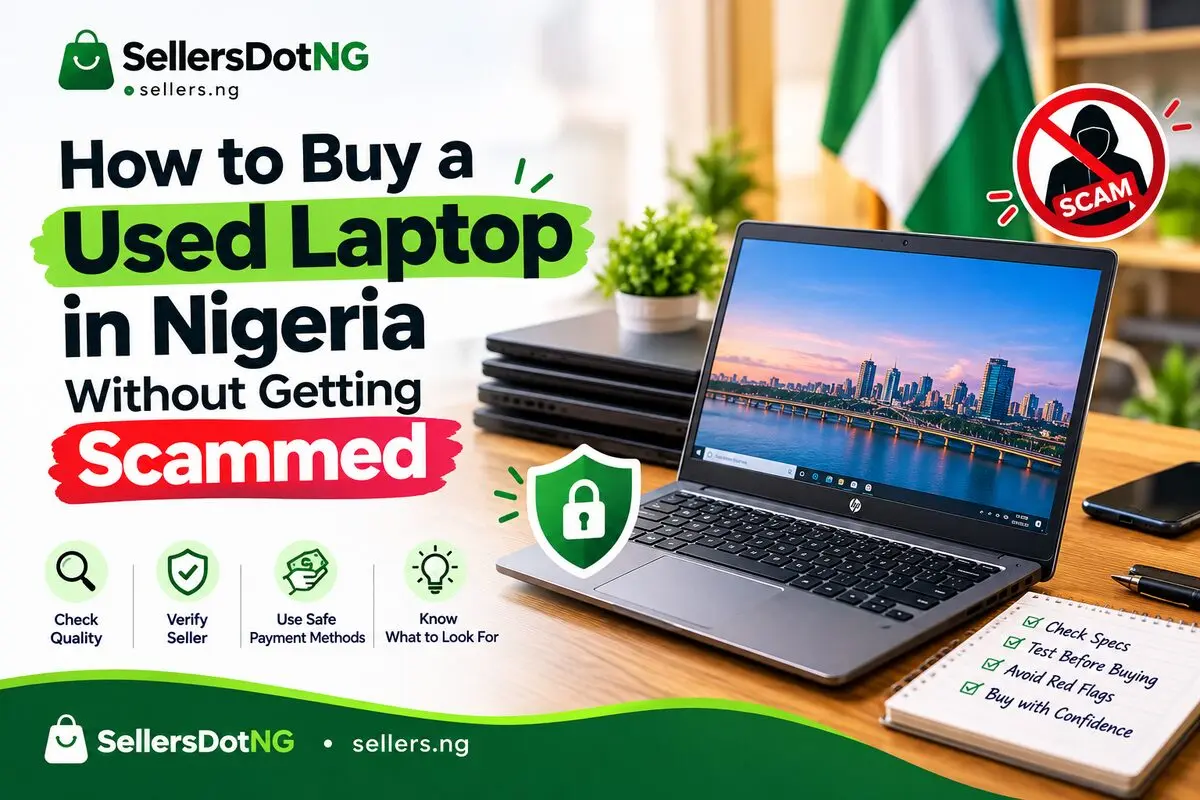
You have seen it happen — someone buys a laptop online, and when it arrives, the RAM is smaller, the battery drains in 20 minutes, or the "Intel Core i7" sticker is fake. In Nigeria's used laptop market, specs can be quietly swapped before a buyer ever notices. This guide shows you how to buy with confidence.
1. Verify the Real Specs Before You Pay
Never trust a listing description alone. Ask the seller to boot the laptop and open System Information (Windows) or About This Mac. Compare the processor, RAM, and storage shown on screen to what was advertised.
Quick spec-check formula
- Ask for a live video call showing the laptop booting
- Request a screenshot of System Information
- Cross-check the serial number against the manufacturer's site
- Confirm storage type (SSD vs HDD) — this affects speed and price
2. Check Battery Health, Not Just Battery Percentage
A laptop can show "100% charged" and still die in 30 minutes. What matters is battery health, not charge level.
- Windows: run a battery report via Command Prompt
- Mac: check Battery > System Report for cycle count
- Anything below 80% health should lower your offer
3. Test Every Port and Key Before Handing Over Money
Once you meet the seller, spend 10 minutes testing before any transfer happens:
- Plug in a charger, USB drive, and headphones to confirm all ports work
- Type a full paragraph to catch sticky or dead keys
- Open the camera app to confirm the webcam works
- Check the screen for dead pixels or a flickering display
4. Ask for Proof of Ownership
Stolen laptops are a real risk in the used market. Ask the seller for the original receipt, box, or proof of purchase. If they cannot provide any, treat it as a red flag.
5. Meet in a Safe, Public Location
Best meetup spots:
- A cyber café or tech shop you trust
- A bank car park
- A busy shopping mall
- Anywhere with CCTV
Never meet at isolated locations. Bring a friend. Test the laptop in daylight before paying.
6. Negotiate With Facts, Not Guesses
Once you know the real specs and battery health, you have leverage. A laptop advertised as "like new" but with 60% battery health is not "like new" — use that to negotiate down fairly.
7. Confirm Warranty or Return Terms Before Paying
Ask directly: is there any return window if the laptop develops a fault within 24-48 hours? Get this in writing (a chat message is enough) before you pay.
Ready to Find a Trusted Laptop Deal?
Browse verified laptop listings on SellersDotNG and buy with confidence from sellers across all 36 states in Nigeria.